

Sign in
Dialsyx runs in Chrome or Edge on a computer, so there is nothing to install. Go to the sign-in page, enter the email and password we sent you after your request was approved, and press Sign in.
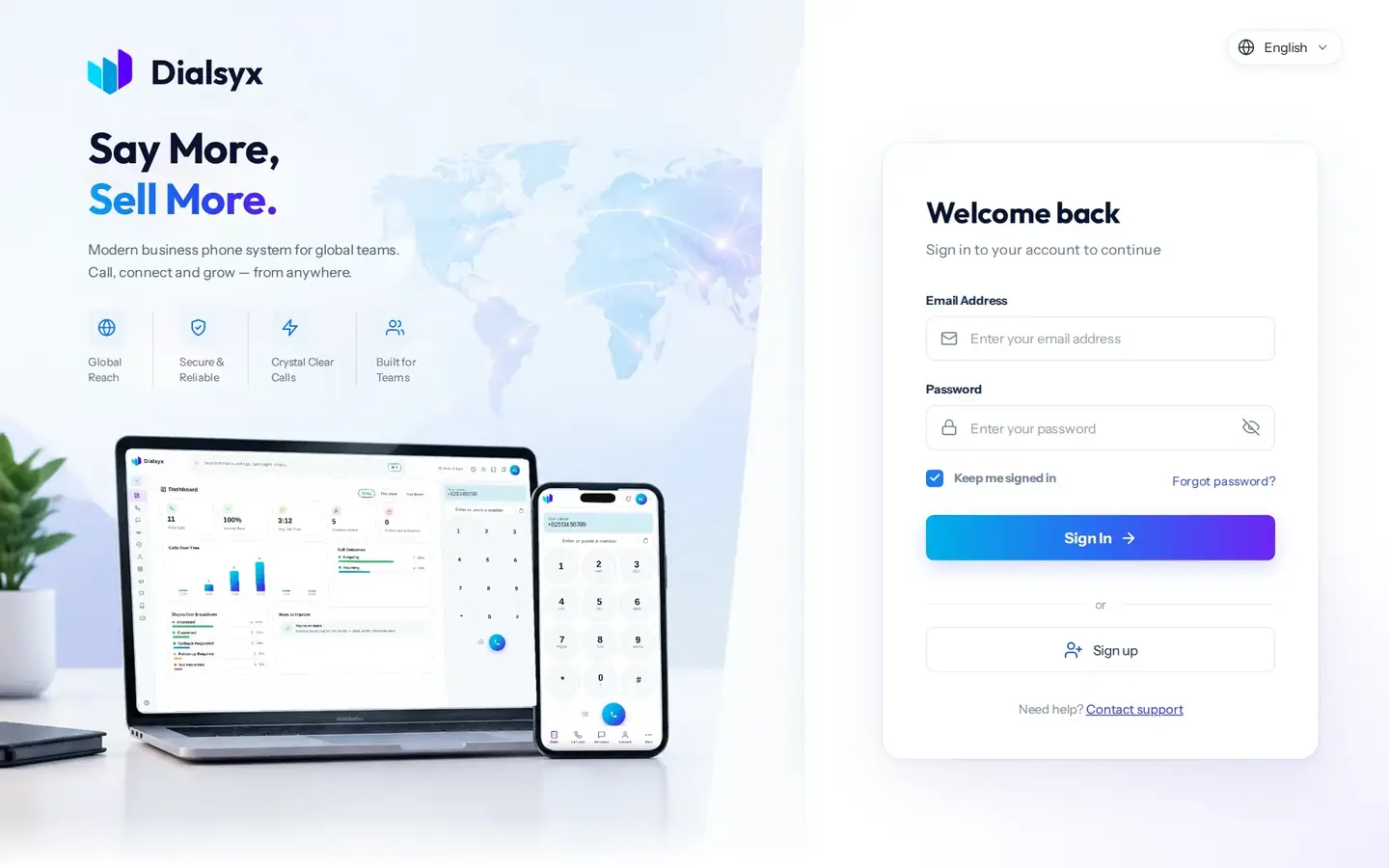
- Open the dialer at app.dialsyx.com.pk in Chrome or Edge.
- Type your email and your password.
- Press Sign in. When the browser asks to use your microphone, press Allow.
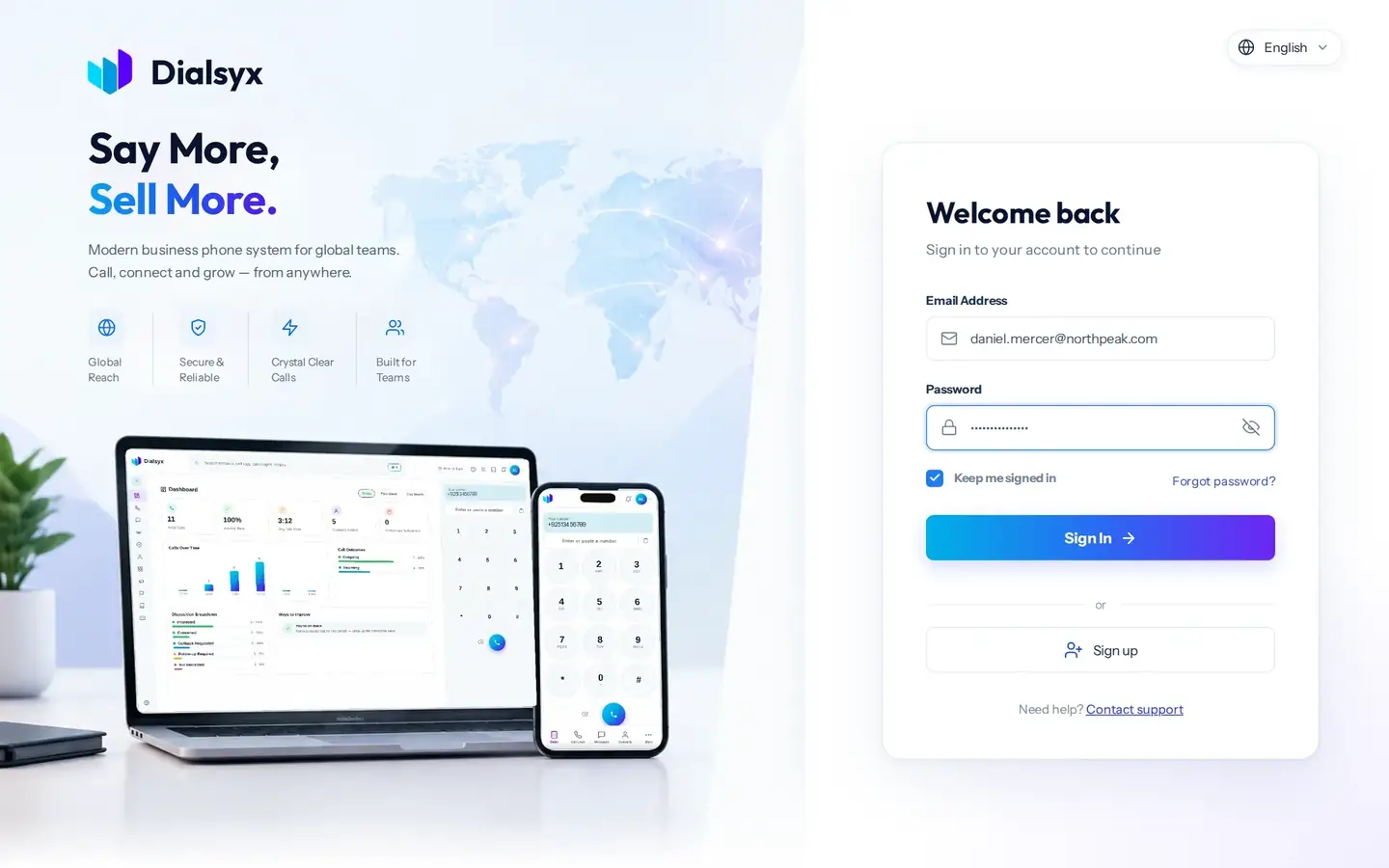
Tip
If you forget your password, use the forgot password link on the sign-in screen, or message us on WhatsApp.
Find your way around
After you sign in, you land on your dashboard. The left bar has every area of the dialer, the search box sits at the top, and the dial pad with your business number is always on the right.
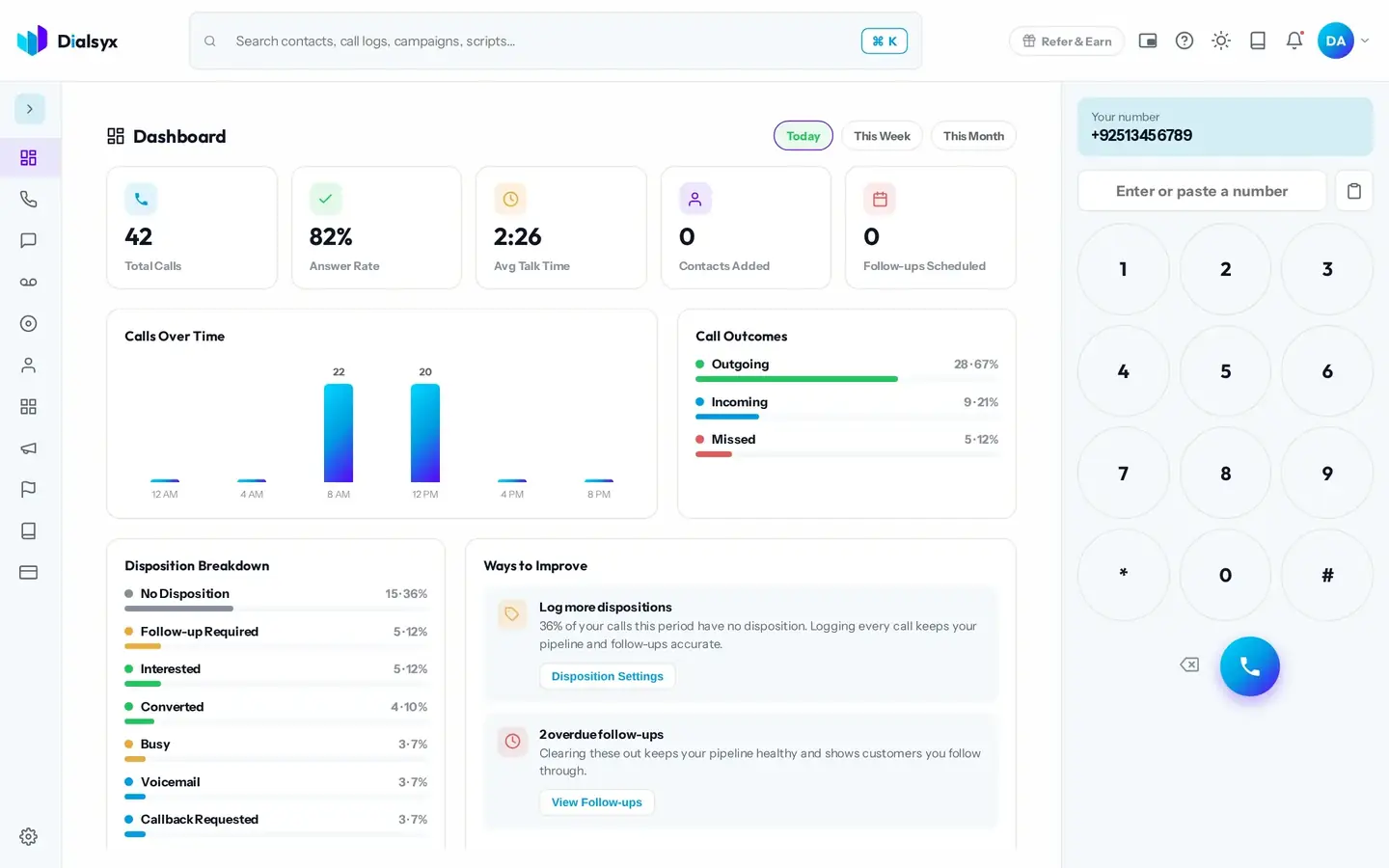
- Left bar: Dashboard, Call Logs, Recordings, Contacts, CRM, Campaigns, Follow-ups, Scripts and Settings.
- Top bar: search everything, Refer and Earn, help, light or dark mode and your profile.
- Right side: your business number and the dial pad.
Need help?Message us on WhatsApp +92 318 5231270, 9 AM to 5 PM Pakistan time, or email support@dialsyx.com.pk.