

Product tour
Watch a guided tour of the real Dialsyx dialer, from signing in to AI call insights. It takes about six minutes, and you can jump to any chapter.
Chapter 1
Start in seconds
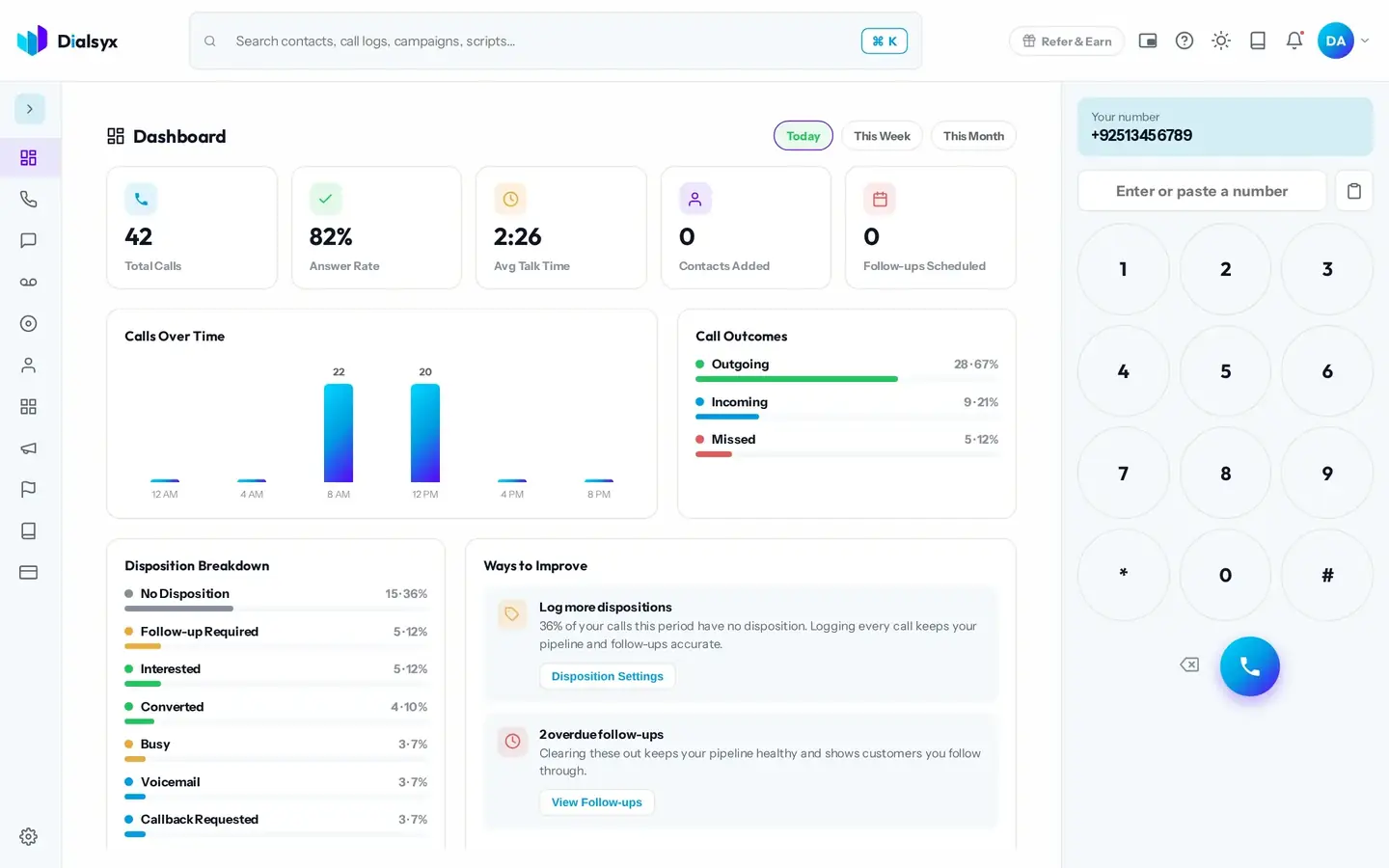
No installs and no setup headaches. Sign in from any browser and see how your day is going on one screen.
- Sign in with your email and password
- See calls, answer rate and talk time live
- Switch between today, this week and this month
- Get simple tips on where to improve
Chapter 2
Call with confidence
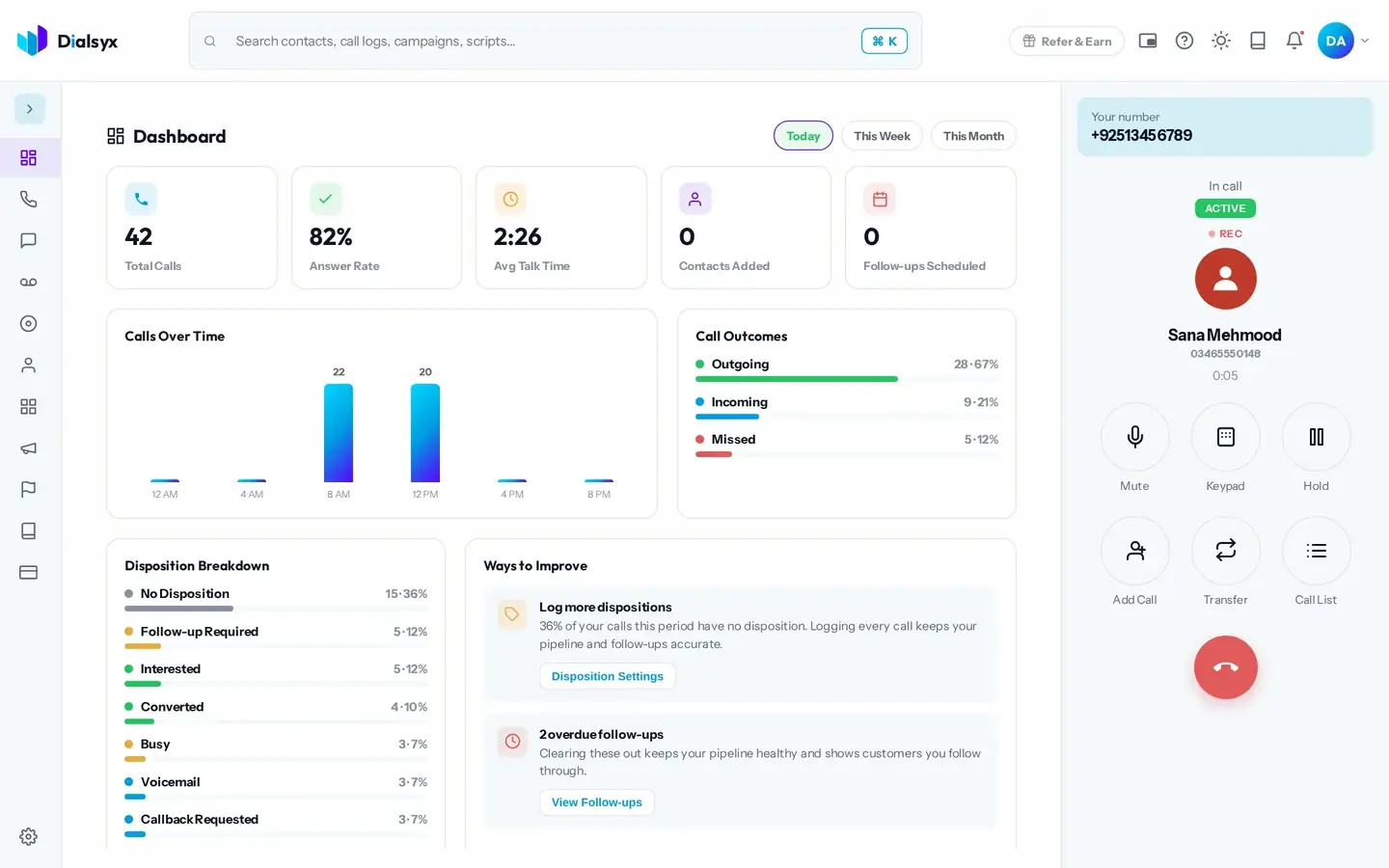
Everything you need while the customer is on the line, with the details in front of you.
- Type or paste a number and press call
- Mute, keypad and hold in one tap
- Incoming calls show who is calling
- Tag the outcome the moment the call ends
Chapter 3
Know every call
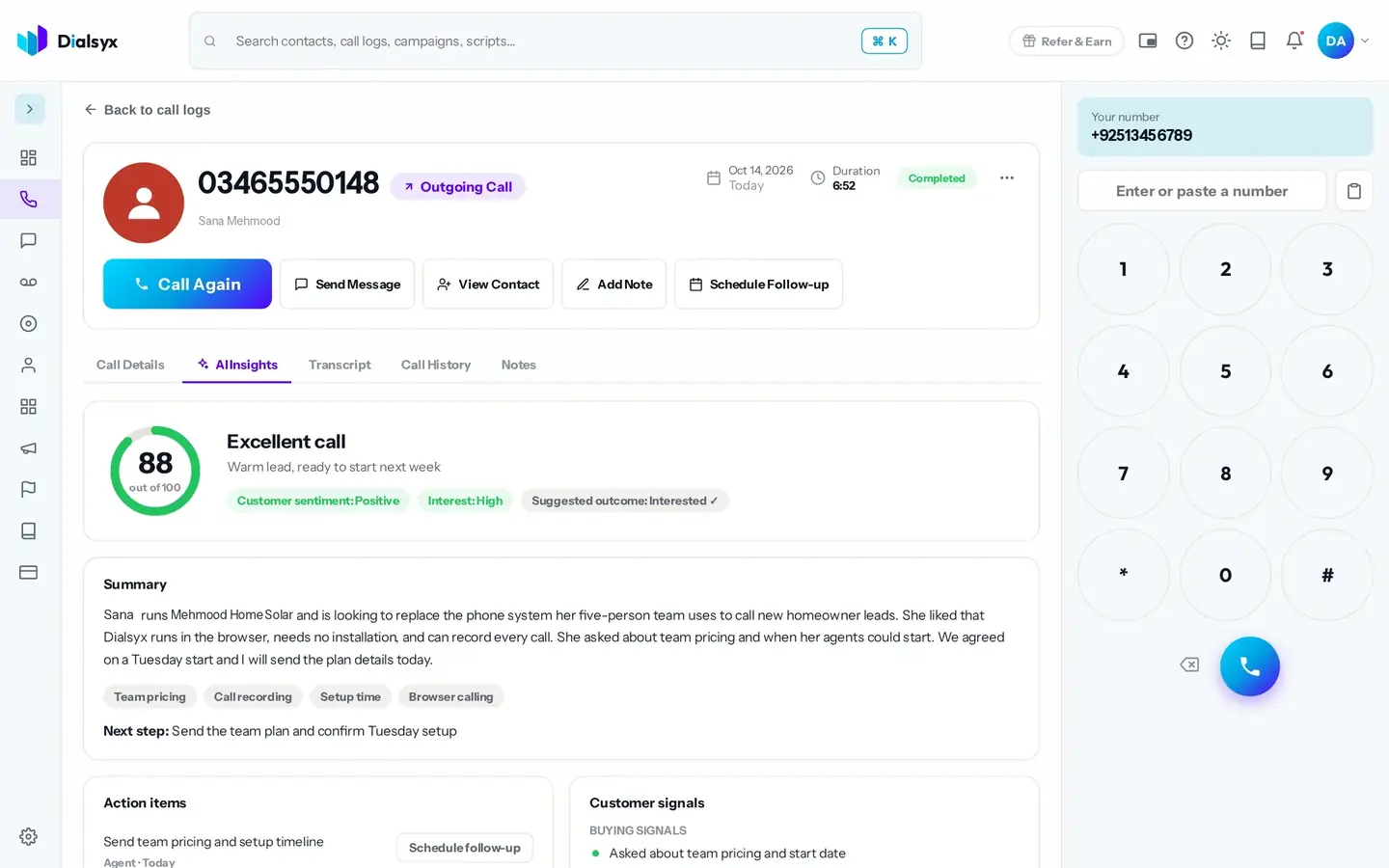
Every call is logged. With Recording and AI insights, you can review any call in seconds.
- Calls are logged automatically
- AI summary, scorecard and coaching tips
- A searchable transcript for recorded calls
- All your recordings in one place
Chapter 4
Stay organised
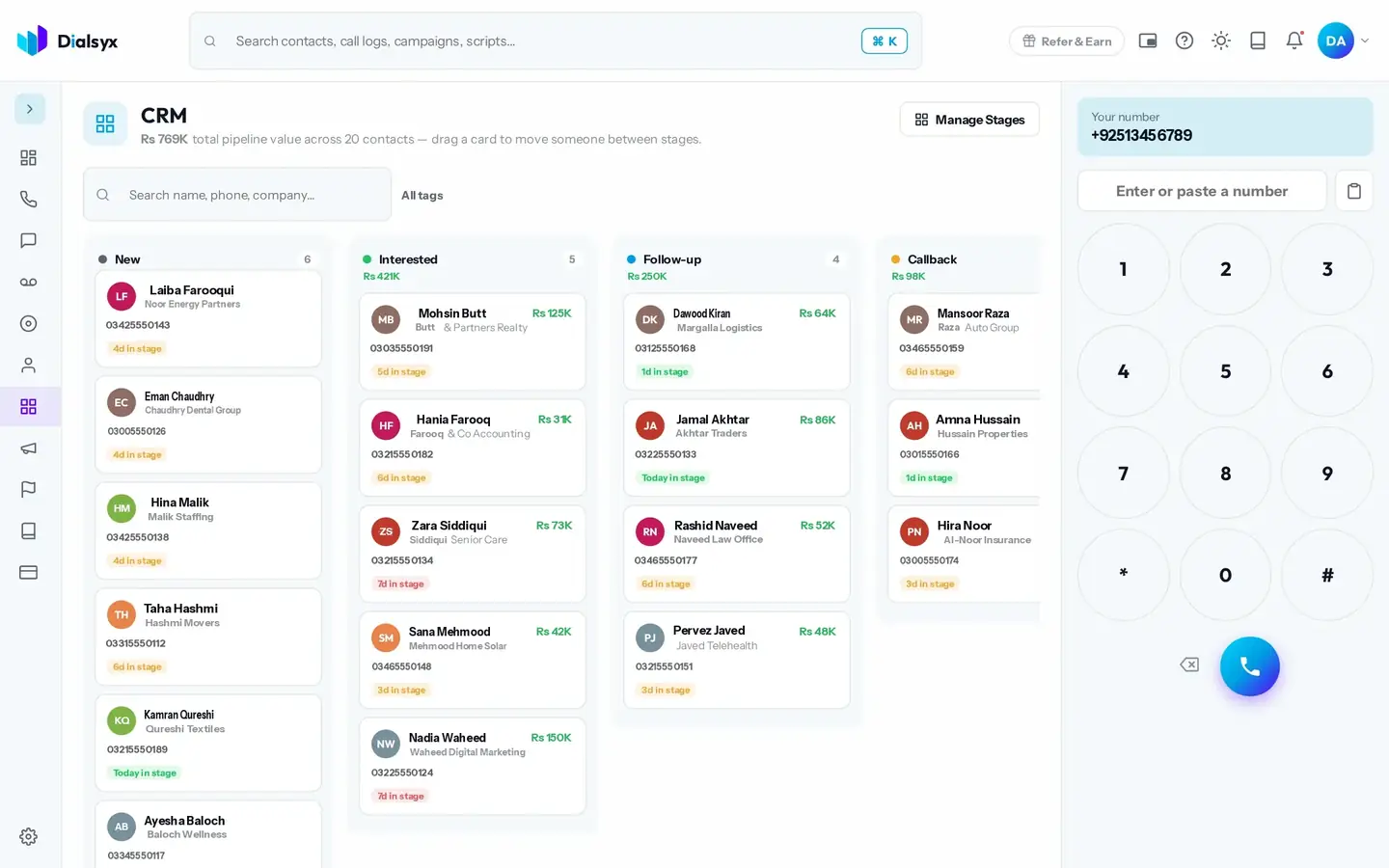
Contacts, a CRM board, campaigns, follow-ups and scripts keep every lead moving.
- A full history on every contact
- Drag leads across your CRM board
- Work lists with campaigns and auto-dial
- Never miss a callback
Chapter 5
Make it yours
Search everything with one shortcut, tune your settings and choose a look that suits your eyes.
- Press Cmd and K to search everything
- Set your devices, recording and captions
- Open a floating phone and keep working
- Light or dark, always sharp
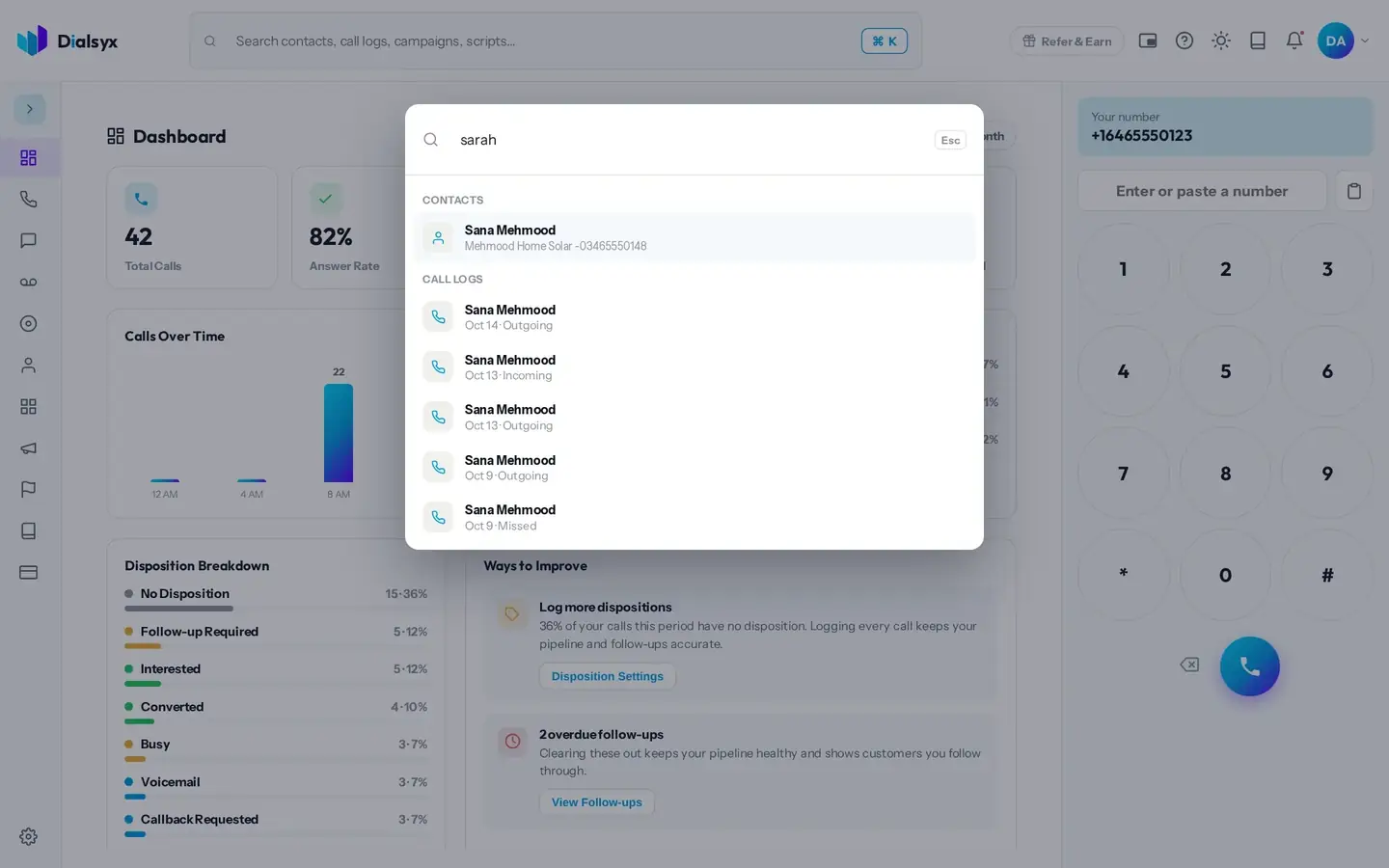
Explore every screen
See all the screens of the dialer in the product overview.
From the Dialsyx blog
Guides that go with this page.
 What is a cloud phone system? A simple guide for Pakistani businessesA cloud phone system replaces desk phones and wiring with software you open in a browser. Here is how it works, what it costs and who it suits in Pakistan.4 min read
 Browser-based calling: how to make business calls from Chrome with no desk phoneBrowser-based calling lets your team make and take calls from Chrome or Edge. Learn what you need, how it works and how to get good call quality.3 min read
 How much does a business phone system cost in Pakistan?Compare the real cost of desk phones and wiring with a cloud phone system in Pakistan. See typical figures in PKR and a worked example for a five-person team.2 min read