

Follow every word
Captions help in noisy rooms and on tricky lines.
Live captions show both sides of the call on screen in real time, in English. They are made on your computer and never saved.
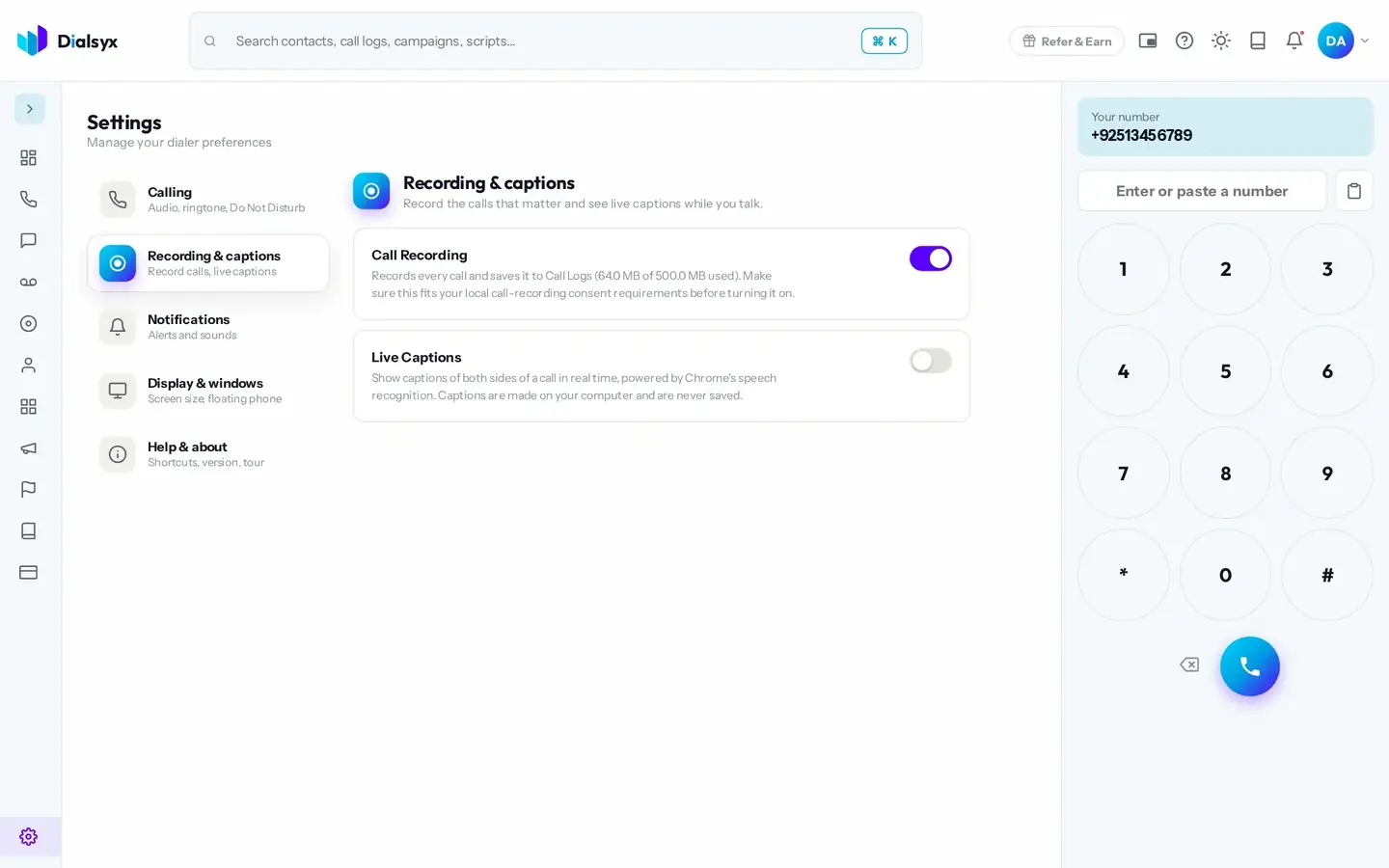
Captions help in noisy rooms and on tricky lines.
Captions are made on your computer and never saved.
Turn captions on in Settings and see them during calls.
Real screens from the Dialsyx dialer.
Choose live captions in the Recording and captions settings.
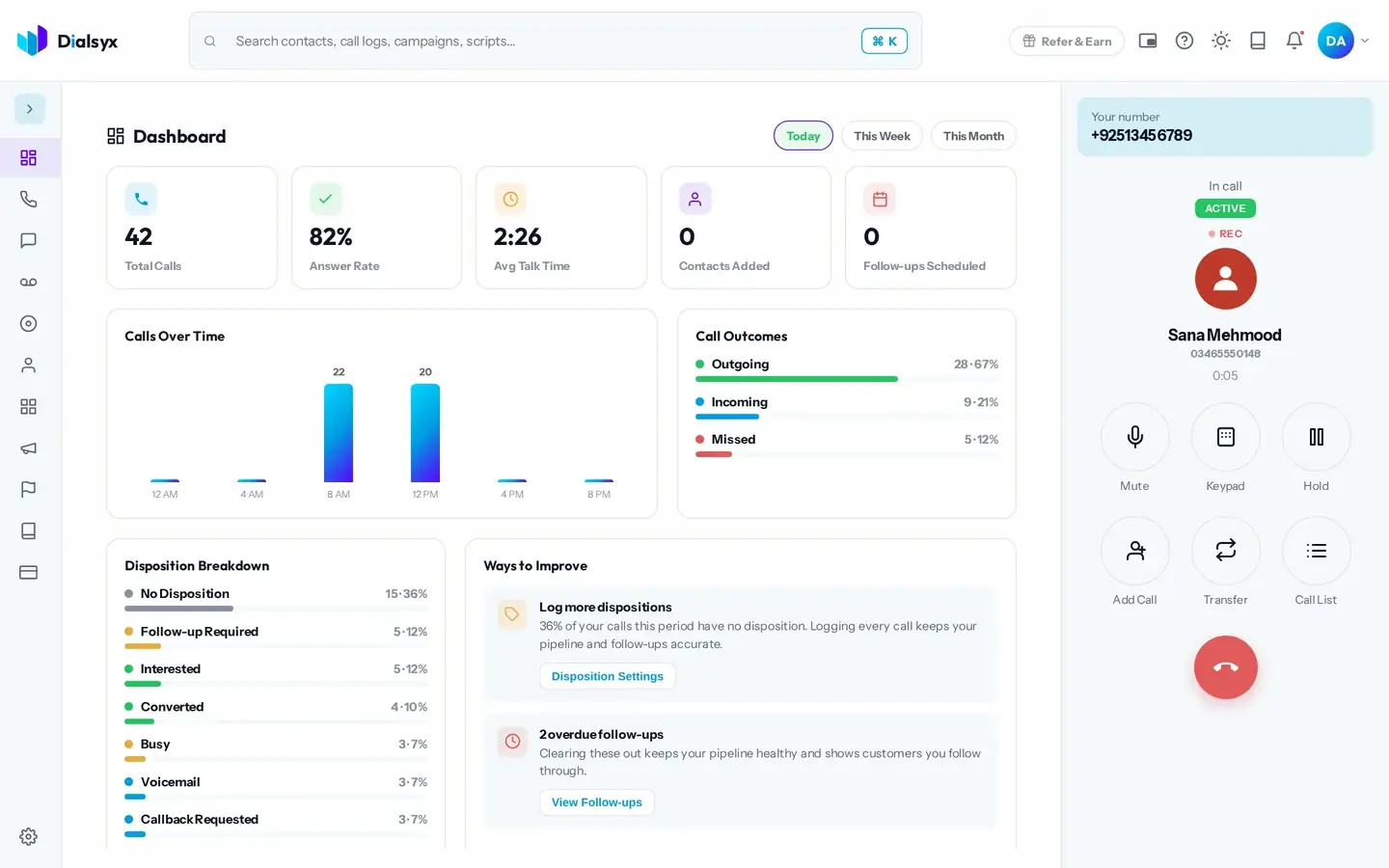
Captions appear on the call screen as people speak.
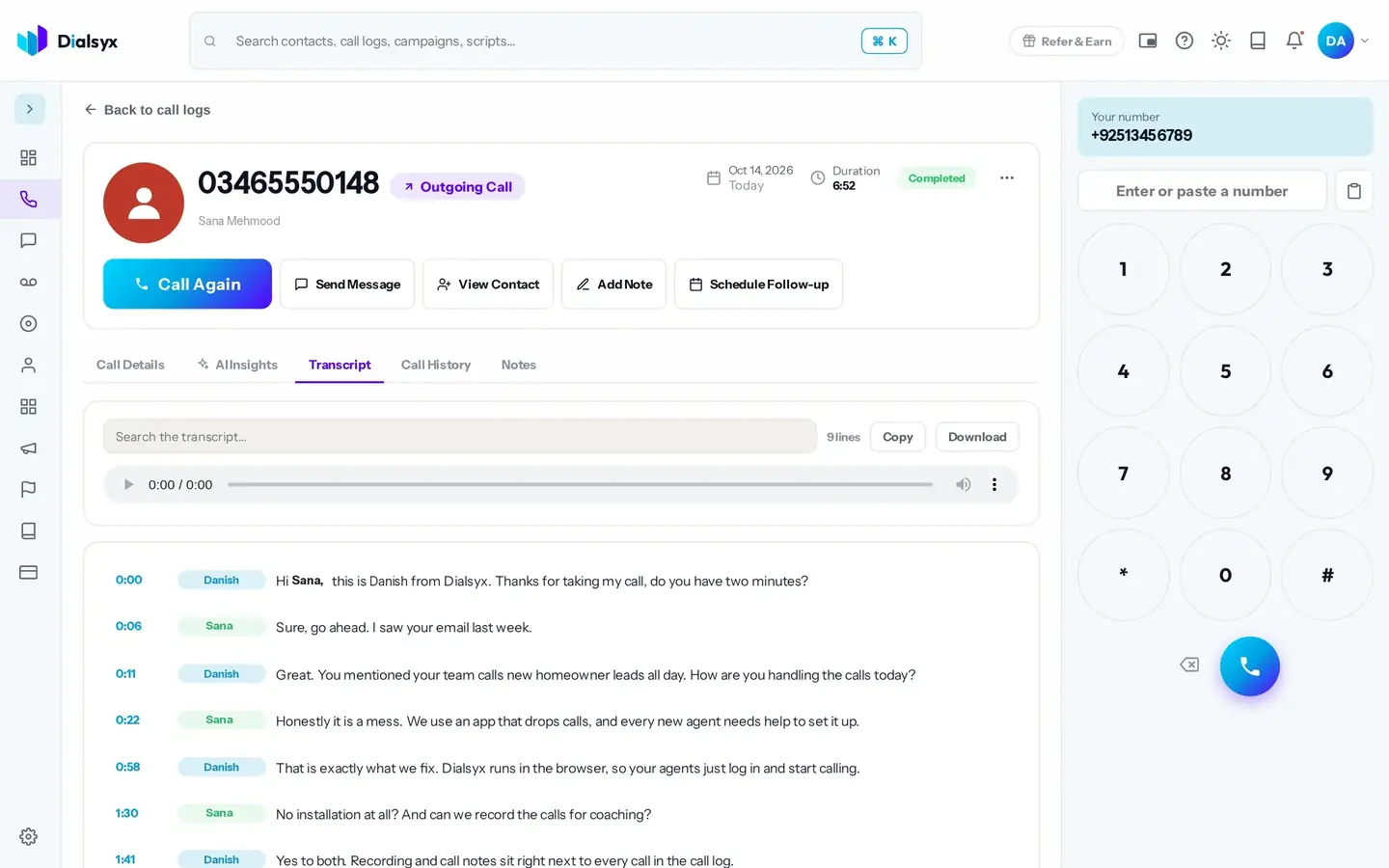
For recorded calls, read a full transcript afterwards.
Step-by-step instructions with screenshots.
No. Live captions are made on your computer and never saved.
English.
Yes. After approval you can take a trial of a couple of hours or a demo meeting, case by case.
Guides that go with this page.
 What is a cloud phone system? A simple guide for Pakistani businessesA cloud phone system replaces desk phones and wiring with software you open in a browser. Here is how it works, what it costs and who it suits in Pakistan.4 min read
 Browser-based calling: how to make business calls from Chrome with no desk phoneBrowser-based calling lets your team make and take calls from Chrome or Edge. Learn what you need, how it works and how to get good call quality.3 min read
 How much does a business phone system cost in Pakistan?Compare the real cost of desk phones and wiring with a cloud phone system in Pakistan. See typical figures in PKR and a worked example for a five-person team.2 min read