

When a call ends, Dialsyx asks how it went. Tagging the outcome takes one tap and powers your dashboard, call logs and CRM.
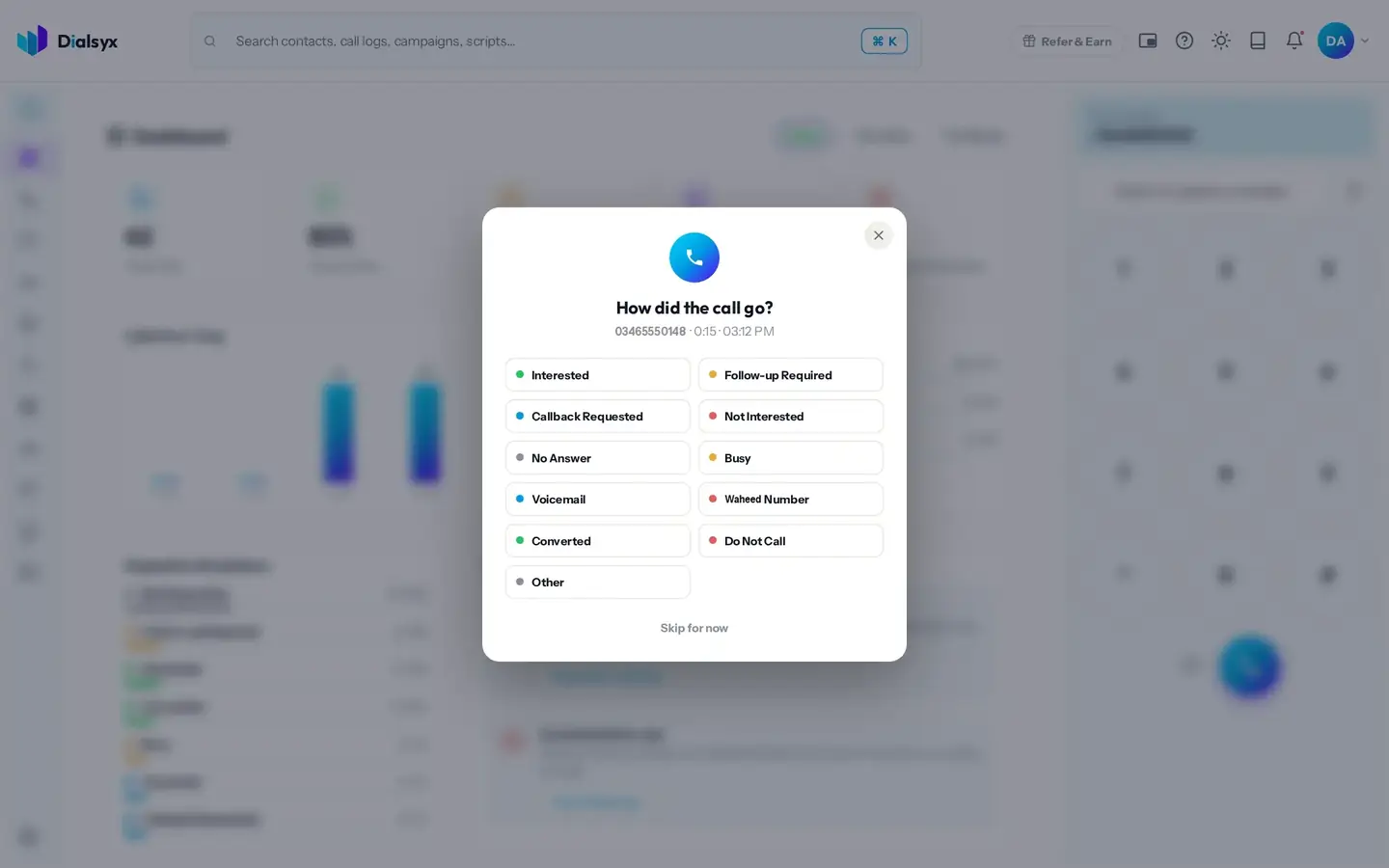
- End the call.
- Tap an outcome, for example Interested, Follow-up Required, Callback Requested, Not Interested, No Answer, Busy, Wrong Number, Converted or Do Not Call.
- Add a note or schedule a follow-up if you need to.
Tip
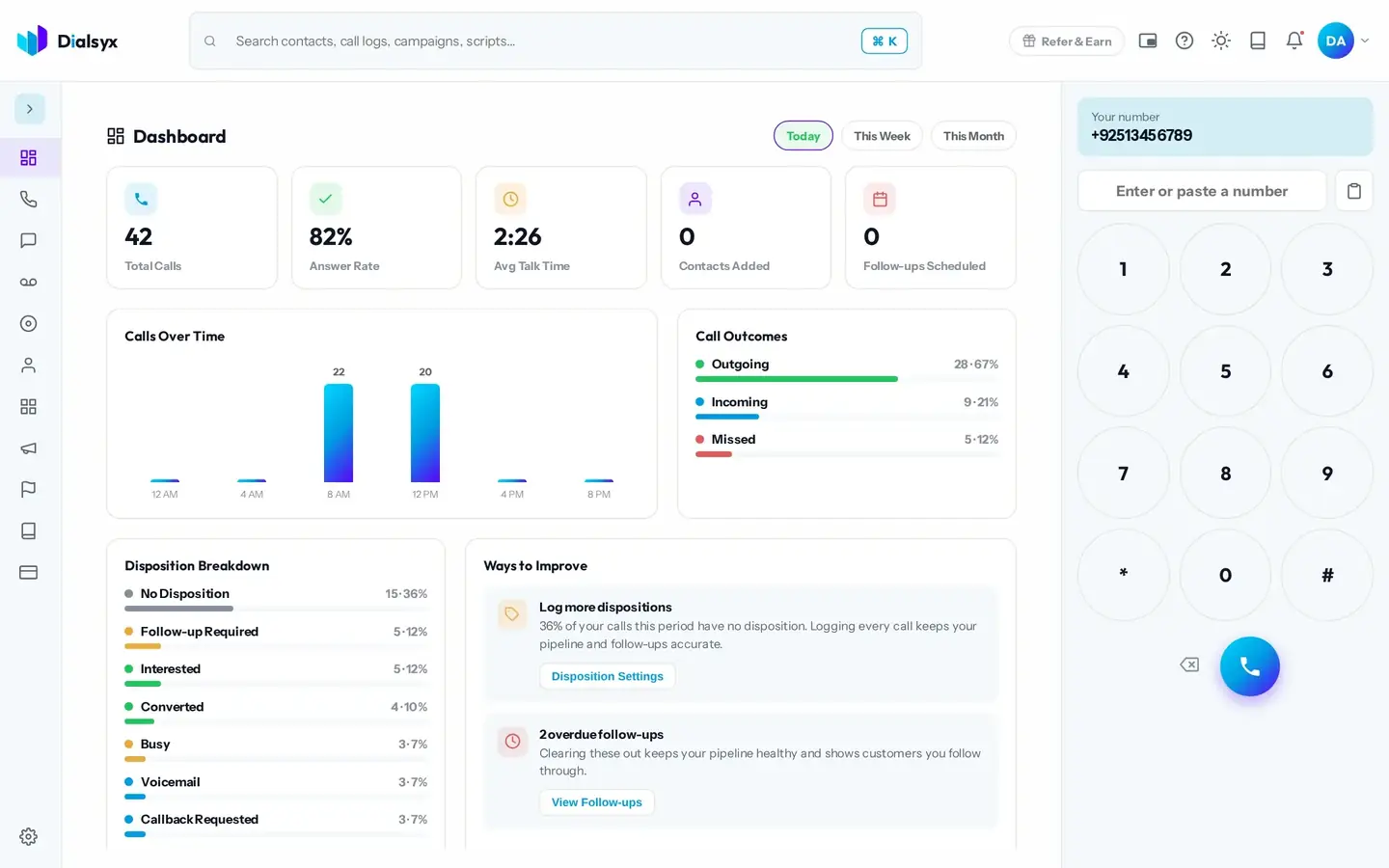
You can choose which outcomes appear, and whether the outcome card opens after every call, in Settings under Calling.
Need help?Message us on WhatsApp +92 318 5231270, 9 AM to 5 PM Pakistan time, or email support@dialsyx.com.pk.