

No hardware
Use a computer and a headset. There are no handsets to buy or repair.
Call Pakistani numbers from any computer with Chrome or Edge. No desk phones, no wiring and nothing to install.
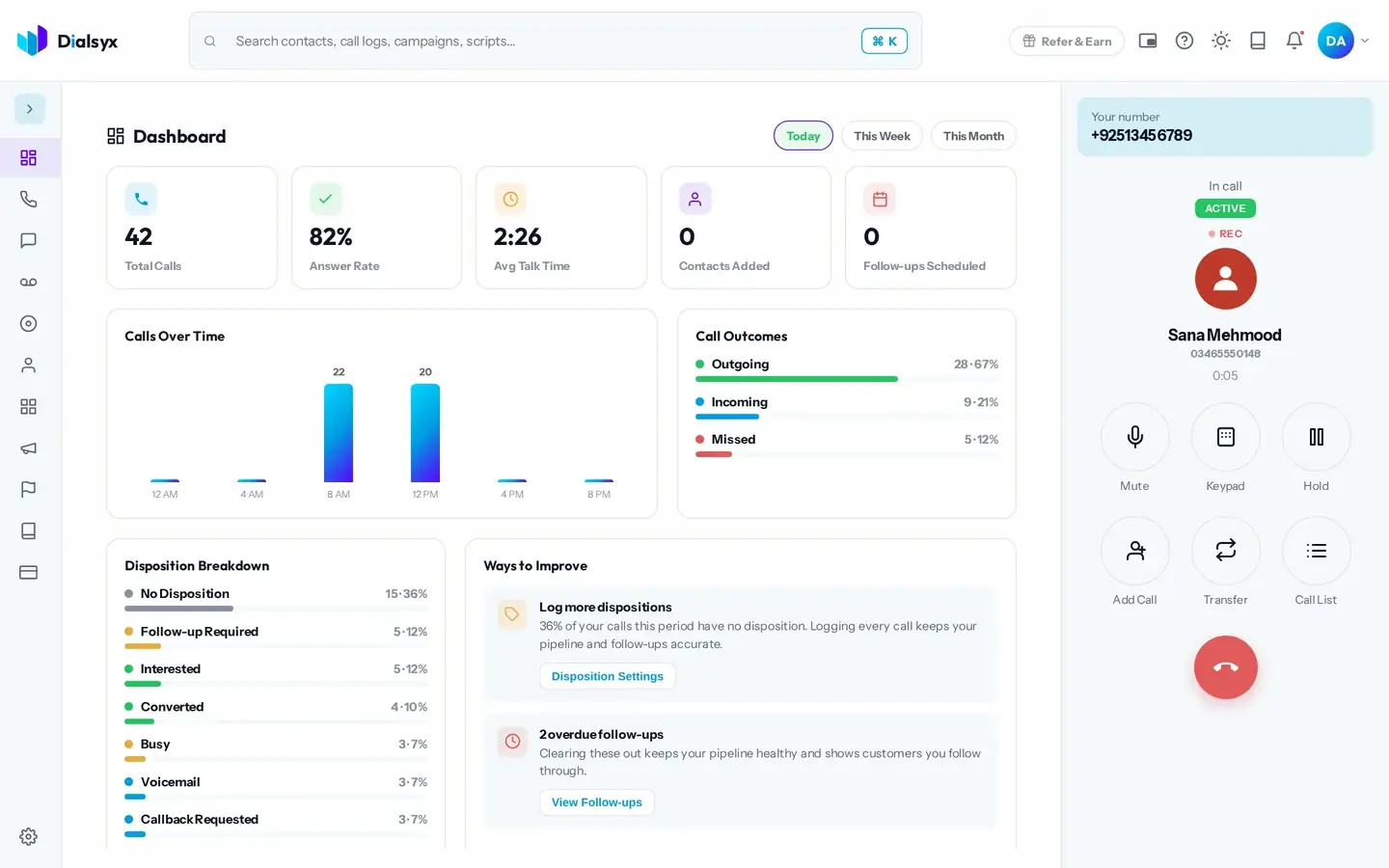
Use a computer and a headset. There are no handsets to buy or repair.
Mute, keypad, hold and a live timer, one tap away.
Saved contacts appear as you dial and as the call connects.
Real screens from the Dialsyx dialer.
Your business number sits above the dial pad on every screen.
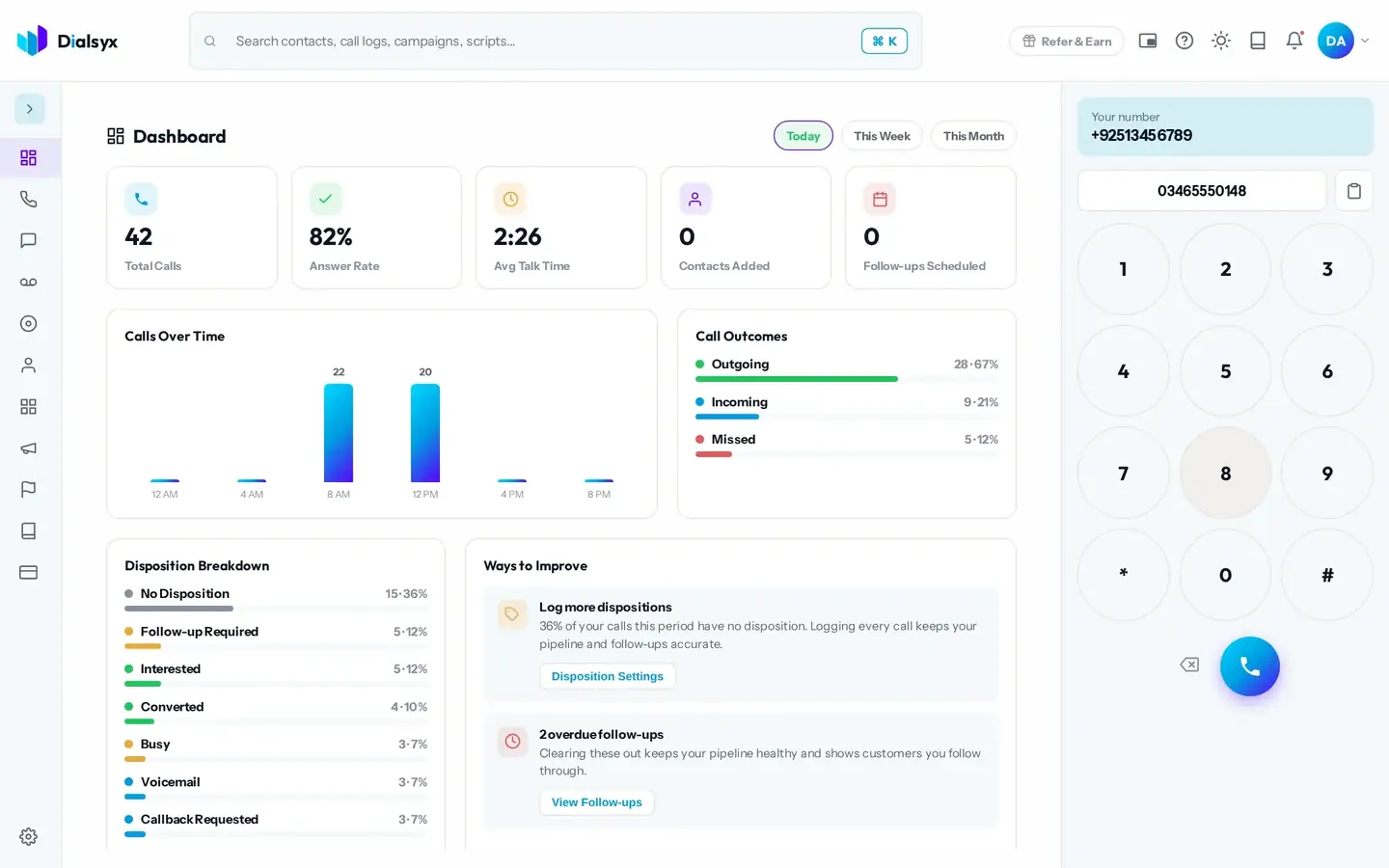
Everything is within reach while the customer is on the line.
When the call ends, one tap records how it went.
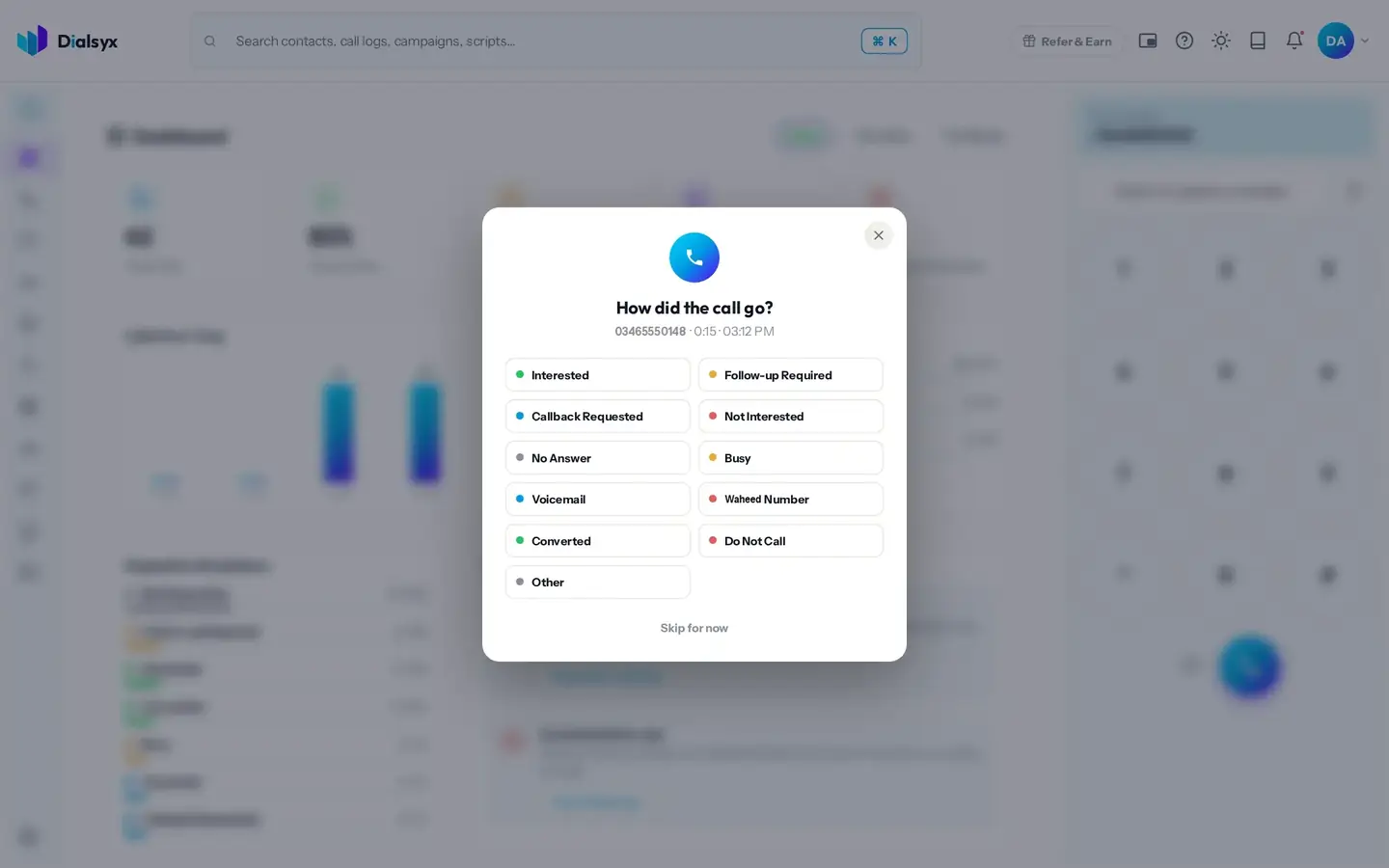
Step-by-step instructions with screenshots.
Yes. You can call Pakistani numbers, both landline and mobile.
A headset is recommended for clear audio, but a built-in microphone also works.
Yes. After approval you can take a trial of a couple of hours or a demo meeting, case by case.
Guides that go with this page.
 Browser-based calling: how to make business calls from Chrome with no desk phoneBrowser-based calling lets your team make and take calls from Chrome or Edge. Learn what you need, how it works and how to get good call quality.3 min read
 What is a cloud phone system? A simple guide for Pakistani businessesA cloud phone system replaces desk phones and wiring with software you open in a browser. Here is how it works, what it costs and who it suits in Pakistan.4 min read
 Running a remote or hybrid call team in Pakistan with a browser phoneHiring agents who work from home gives you a wider talent pool and lower costs. Learn how to run a remote call team in Pakistan using a browser phone and good habits.2 min read