

The CRM board shows your contacts as cards in columns, one column per stage. Drag a card to move someone to the next stage.
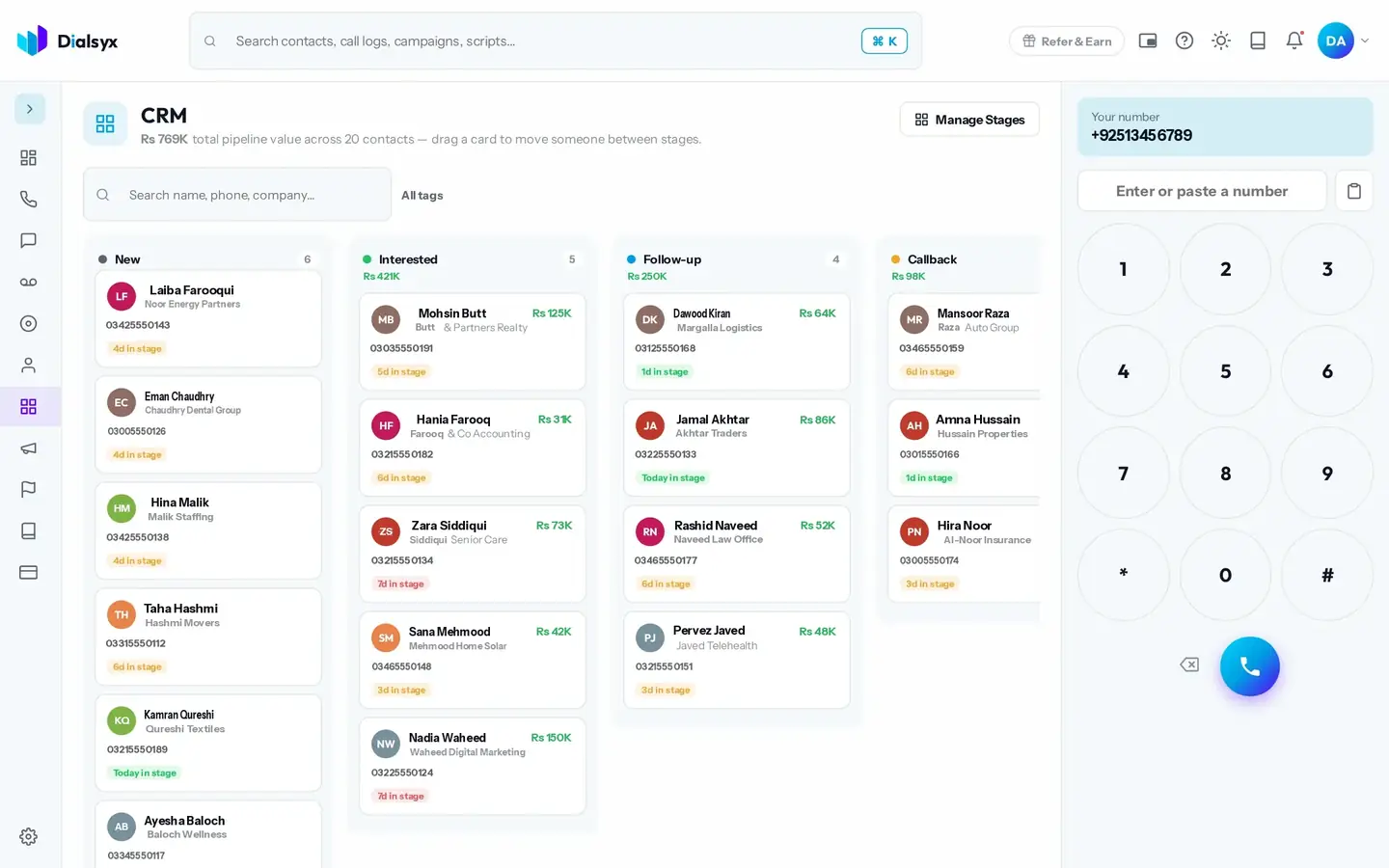
- Each card shows the contact, company, number and deal value.
- The total pipeline value shows at the top.
- Use Manage Stages to add, rename, recolour and reorder your stages.
Tip
Pick stages that match how you sell, for example New, Interested, Follow-up and Won.
Need help?Message us on WhatsApp +92 318 5231270, 9 AM to 5 PM Pakistan time, or email support@dialsyx.com.pk.